

 README

README

pomo — Terminal Pomodoro Timer
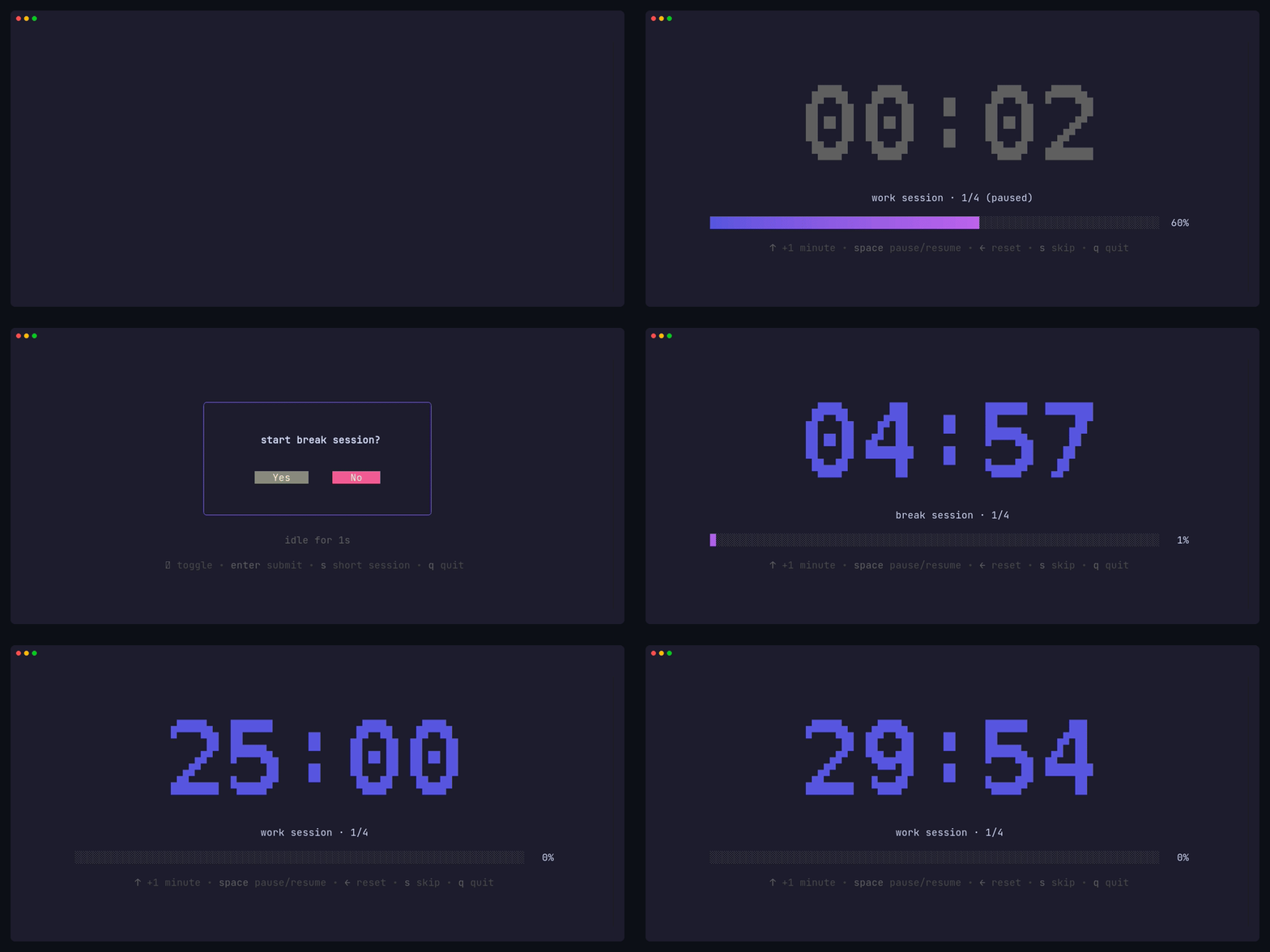


A simple, customizable Pomodoro timer for your terminal, built with Bubble Tea.
Features
- 🍅 Work and break timer sessions
- 🔗 Task chaining with user confirmation prompts
- 📊 Real-time progress bar visualization
- ⌨️ Keyboard shortcuts to adjust time mid-session
- ⏸️ Pause and resume sessions
- ⏭️ Skip to next session
- 🔔 Cross-platform desktop notifications
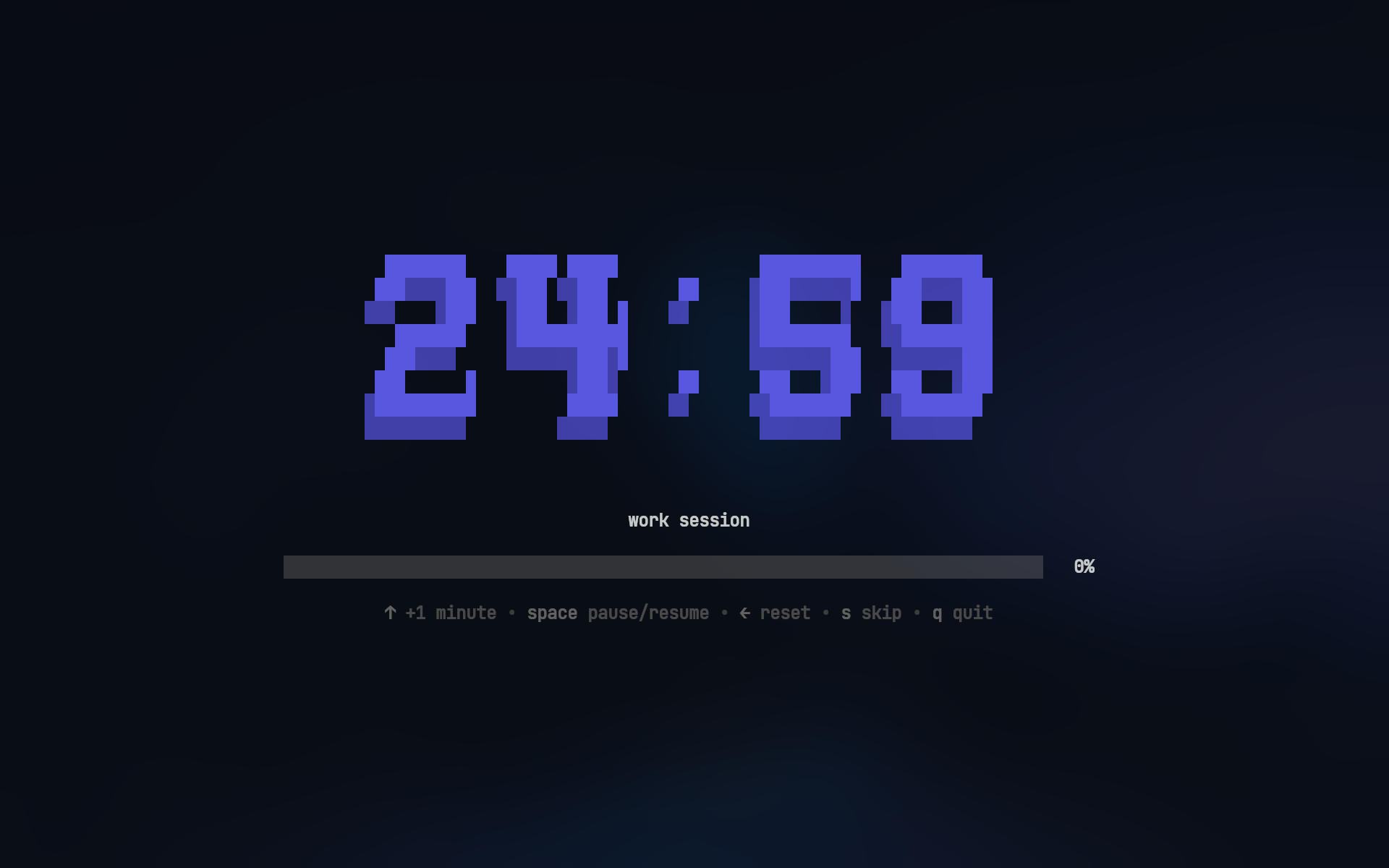
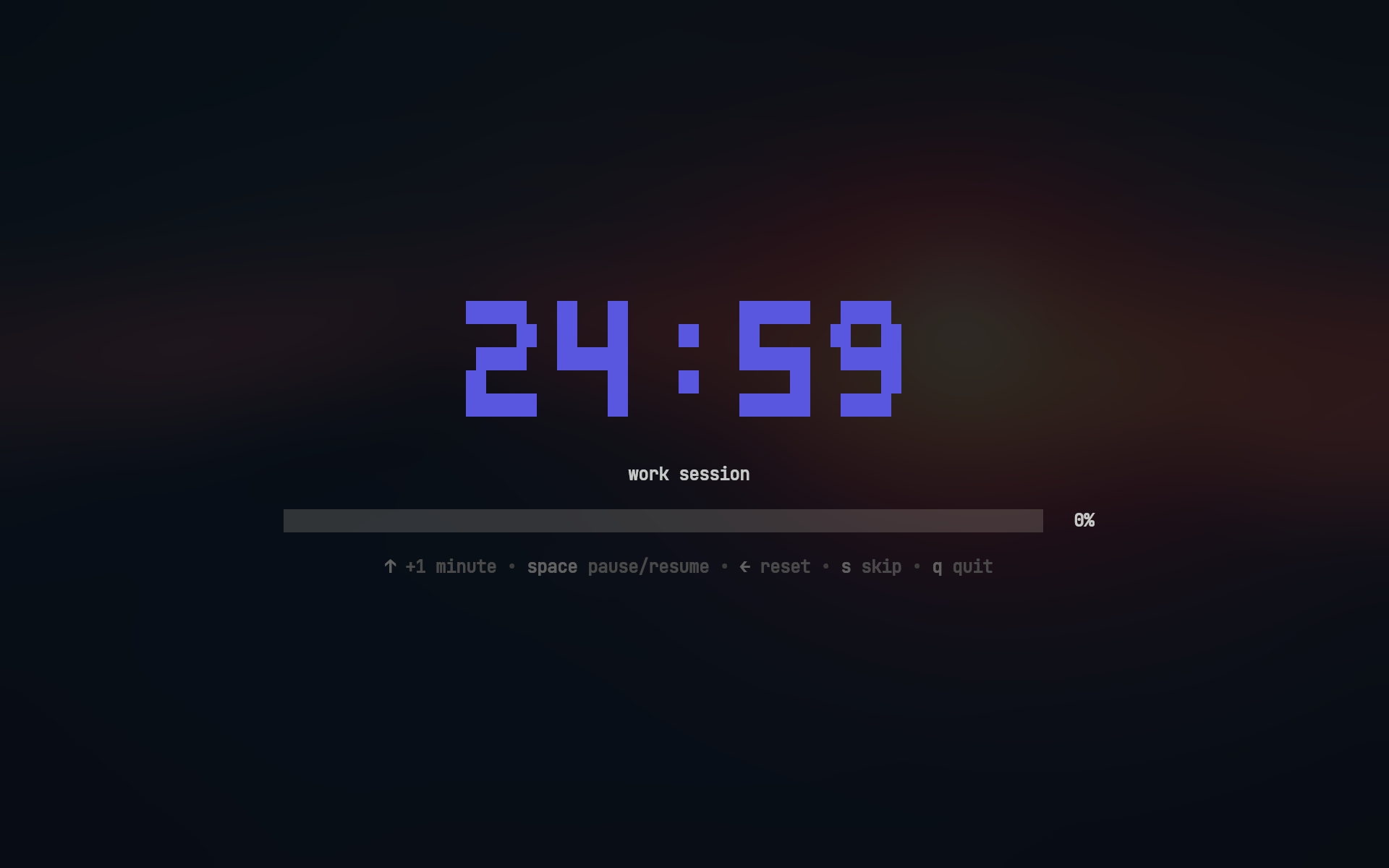
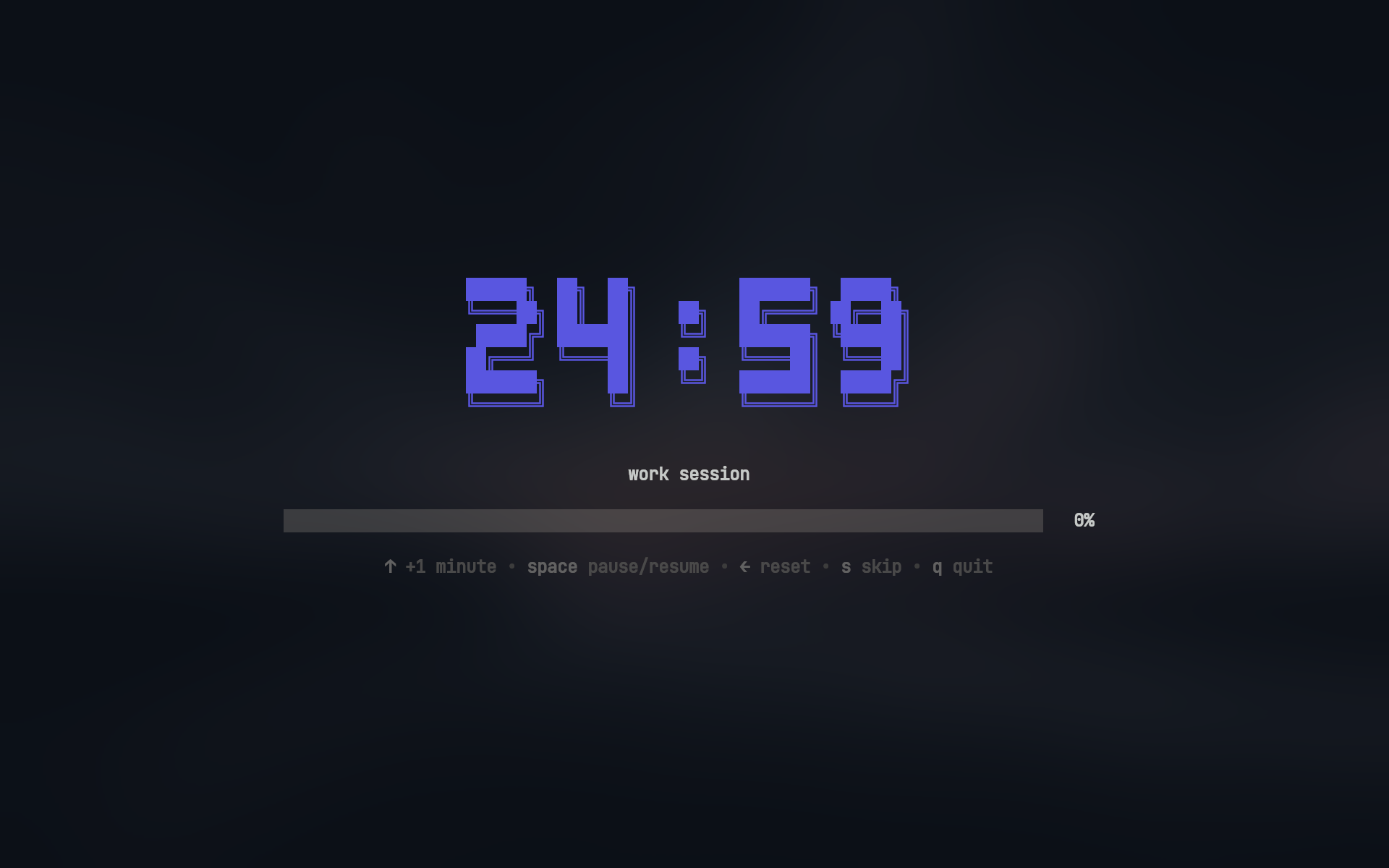
- 🎨 Clean, minimal terminal UI with ASCII art timer fonts
- 🛠️ Custom commands when timers complete
Desktop Notifications
pomo sends native desktop notifications when sessions complete
🔔 View notification examples
Linux (GNOME)
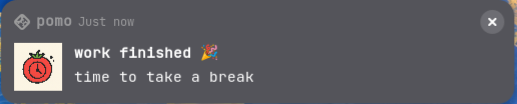
Windows
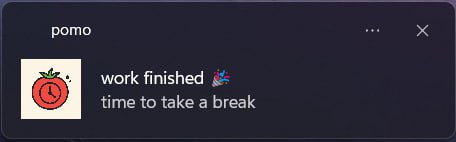
Note: Actual notification appearance varies by operating system and desktop environment
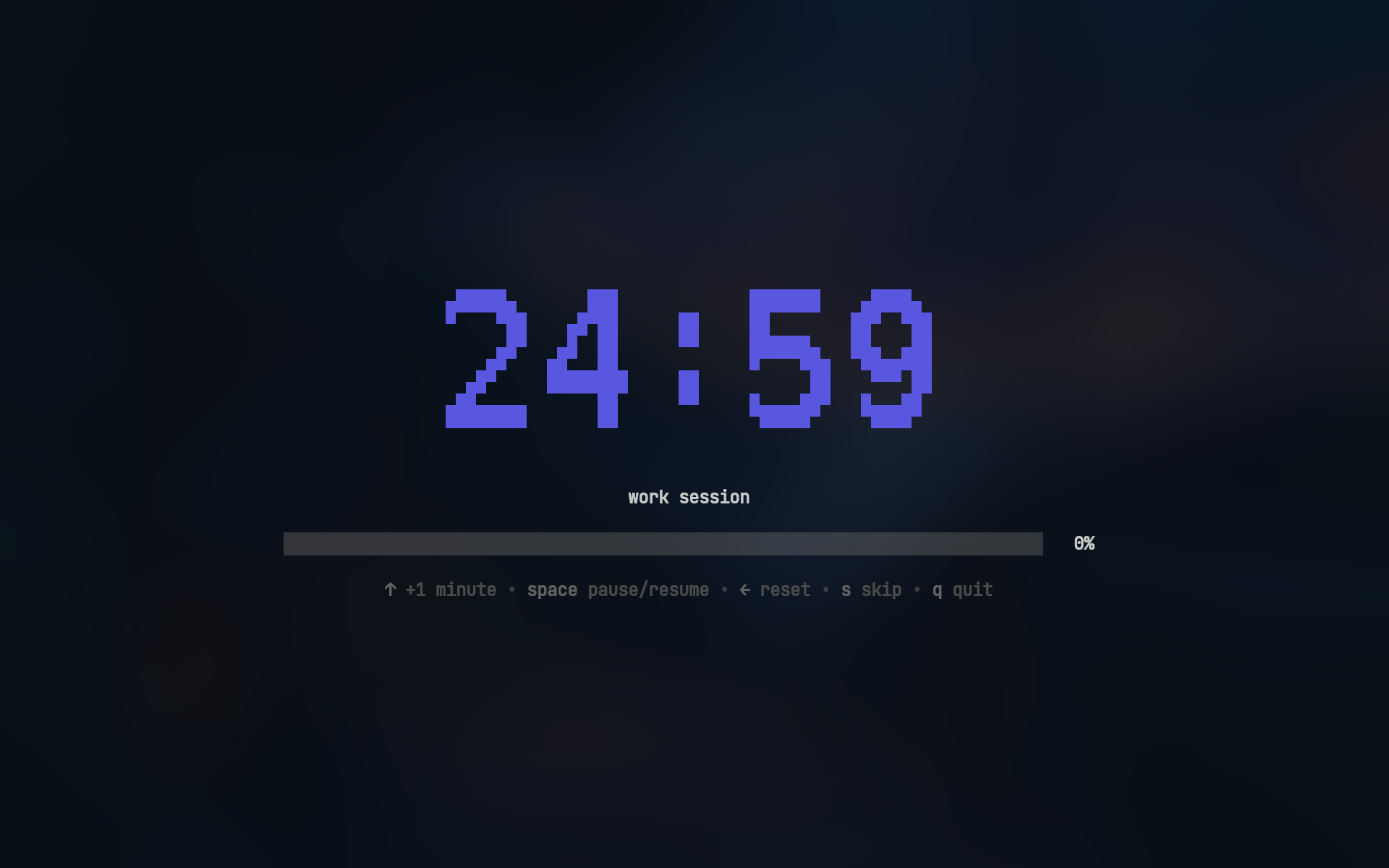
Timer Fonts
| mono12 | rebel |
|---|---|
 |
 |
| ansi | ansiShadow |
 |
 |
Usage
Work sessions:
pomo              # Default work session (25m)
pomo 30m          # Custom duration
pomo 45m 15m      # 45m work with 15m break
Break sessions:
pomo break        # Default break (5m)
pomo break 10m    # Custom duration
Installation
Install with Go
go install github.com/Bahaaio/pomo@latest
Or, build from source
git clone https://github.com/Bahaaio/pomo
cd pomo
go build .
Alternatively, download pre-built binaries from the releases page.
Configuration
📁 Config file search order
pomo looks for its config file in the following order:
- Current directory:
pomo.yaml(highest priority) - System config directory:
- Linux/macOS:
~/.config/pomo/pomo.yaml - Windows:
%APPDATA%\pomo\pomo.yaml
- Linux/macOS:
- Built-in defaults if no config file is found
Example pomo.yaml:
# prompt to continue after session completion
# false = exit when done
askToContinue: true

asciiArt:
  # use ASCII art for timer display
  enabled: true

  # available fonts: (mono12, rebel, ansi, ansiShadow)
  # default: mono12
  font: ansiShadow

  # color of the ASCII art timer
  # hex color or "none"
  color: "#5A56E0"

work:
  duration: 25m
  title: work session

  # cross-platform notifications
  notification:
    enabled: true
    urgent: true # persistent notification with alert sound (platform-dependent)
    title: work finished 🎉
    message: time to take a break
    icon: ~/my/icon.png

break:
  duration: 5m

  # will run after the session ends
  then:
    - [spd-say, "Back to work!"]
Check out pomo.yaml for a full example with all options.
Sound Notifications
You can play sounds when sessions complete by running commands in the then section.
work:
  then:
    - [paplay, ~/sounds/work-done.mp3] # Linux
    # - [afplay, ~/sounds/work-done.mp3] # macOS
    # - [powershell, start, work-done.mp3] # Windows
Key Bindings
Timer Controls
| Key | Action |
|---|---|
↑ / k |
Increase time by 1 minute |
Space |
Pause/Resume timer |
← / h |
Reset to initial duration |
s |
Skip to next session |
q / Ctrl+C |
Quit |
Skip button skips directly to the next session, bypassing any prompts
Confirmation Dialog
| Key | Action |
|---|---|
y |
Confirm (Yes) |
n |
Cancel (No) |
s |
Start short session (2 minutes) |
Tab |
Toggle selection |
Enter |
Submit choice |
q / Ctrl+C |
Quit |
Short sessions extend the current session by 2 minutes, useful when you need a bit more time
License
This project is licensed under the MIT License. See the LICENSE file for details.
 Documentation

Documentation


There is no documentation for this package.
 Source Files
 Directories

Directories

| Path | Synopsis |
|---|---|
|
Package actions provides functionality to run post actions after a task is completed.
|
Package actions provides functionality to run post actions after a task is completed. |
|
Package cmd provides the command-line interface for the pomo timer.
|
Package cmd provides the command-line interface for the pomo timer. |
|
Package config loads, stores, and provides default values for work and break tasks.
|
Package config loads, stores, and provides default values for work and break tasks. |
|
Package ui provides the terminal user interface for pomodoro sessions.
|
Package ui provides the terminal user interface for pomodoro sessions. |
|
ascii
Package ascii provides ASCII art style.
|
Package ascii provides ASCII art style. |
|
colors
Package colors defines color constants for UI elements.
|
Package colors defines color constants for UI elements. |
|
confirm
Package confirm provides a simple confirmation dialog component
|
Package confirm provides a simple confirmation dialog component |
|
summary
Package summary tracks pomodoro sessions and renders visual summary with progress bar.
|
Package summary tracks pomodoro sessions and renders visual summary with progress bar. |